Monitoring
Publish a rule in Monitoring to see where it matches. Review the Decisions log and refine the rule against your workloads.
Record the match. Let the request continue.
Policy Gateway
Write rules for the work your organization authorizes. Policy Gateway checks requests and responses, blocks policy matches, and records which rules applied.
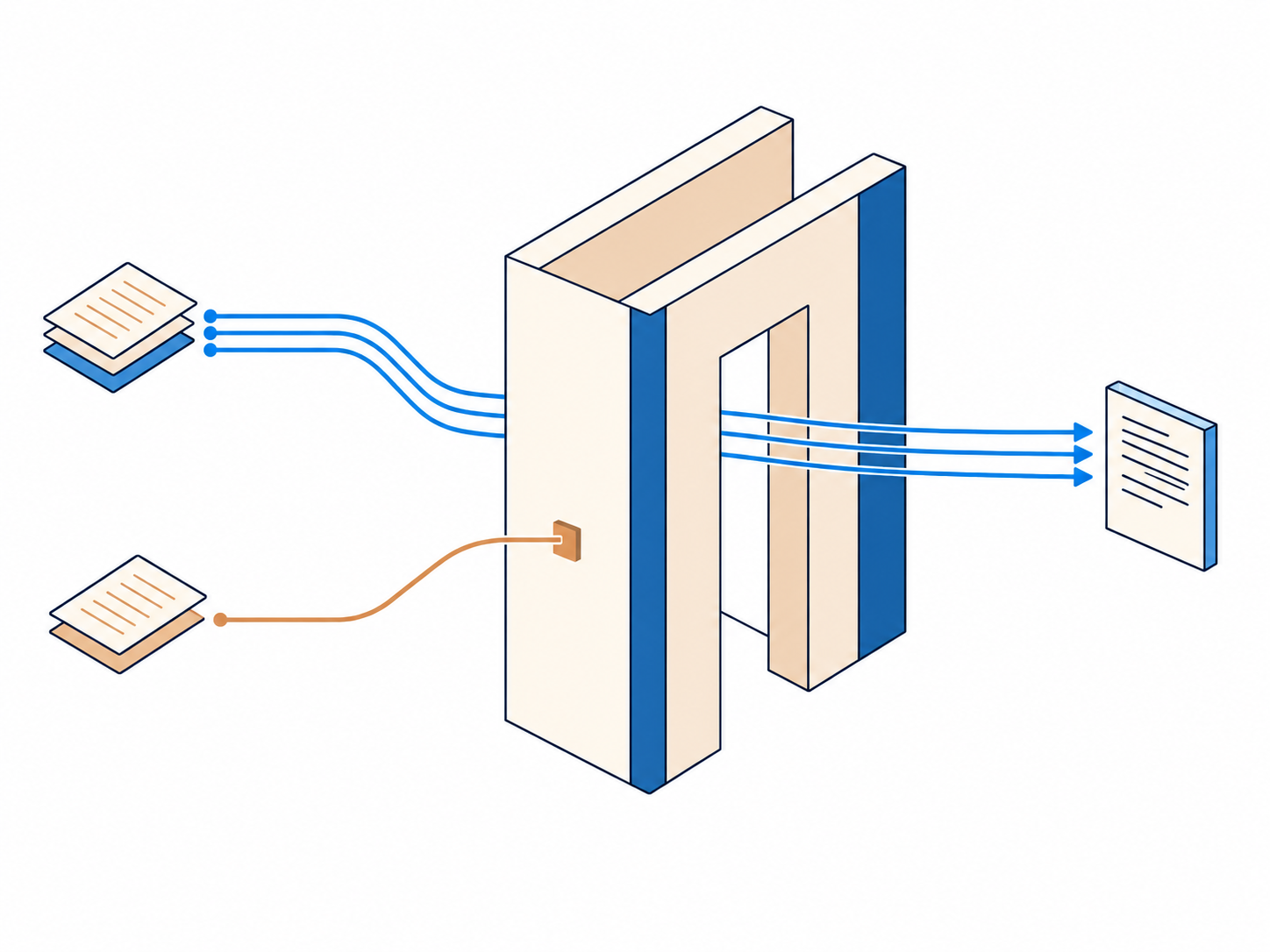
How a request is decided
A security team may test systems the company owns. Change the target to see an example of how an Enforcing policy can distinguish authorized work from an unapproved request.
Request
Write an SQL injection test plan for our staging site. Our team owns this system.
Project · Security research
Your policy
Does the request ask to test a system without its owner’s permission?
Security testing scope · v14 · Enforcing
Decision
Allowed
The request continues to the model.
No policy matched.
Publish with control
Publish a rule in Monitoring to see where it matches. Review the Decisions log and refine the rule against your workloads.
Record the match. Let the request continue.
Switch to Enforcing when the rule is ready. A match blocks the request or response being checked.
Record the match. Block the request.
Published versions are kept. Review a change, restore an earlier version, or apply a policy to selected projects.
Decision records
Review the project, policy version, and outcome in the Decisions log. Records contain no prompt or response text.
Export to Splunk, Datadog, Elastic, S3, OpenTelemetry, and other supported destinations.
Get started
Organization owners and admins can manage policies in the Console. Talk with us about your requirements.
Create a natural-language policy in the Console or through the Admin API.
Apply it across your organization or to selected projects. Check requests, responses, or both.
Policies apply to the existing Chat Completions, Responses, and Messages endpoints. You can also select published policies with policy_ids.
FAQ
Write a natural-language rule as a yes-or-no question. Apply it to your organization or selected projects, and choose whether it checks requests, responses, or both. An Enforcing policy blocks a match; a Monitoring policy records it without blocking.
Yes. Publish it in Monitoring, inspect matches in Decisions, and refine it against representative workloads. Published versions are kept and can be restored.
No. Published policies apply to the existing Chat Completions, Responses, and Messages endpoints. You can also select published policies using policy_ids in the request body.
Content-free metadata, including the project, policy ID and version, mode, match result, and action. Decision records do not contain prompt or response text. Supported export destinations include Splunk, Datadog, Elastic, S3, and OpenTelemetry.
Policy Gateway access is included with every plan, including pay as you go. Model usage is billed at the published rates. Enterprise adds tailored service-level agreements, priority customer support, regional hosting, and custom rate limits and throughput.
No. Customer policies add rules for your organization. Abliteration’s platform policies still apply.